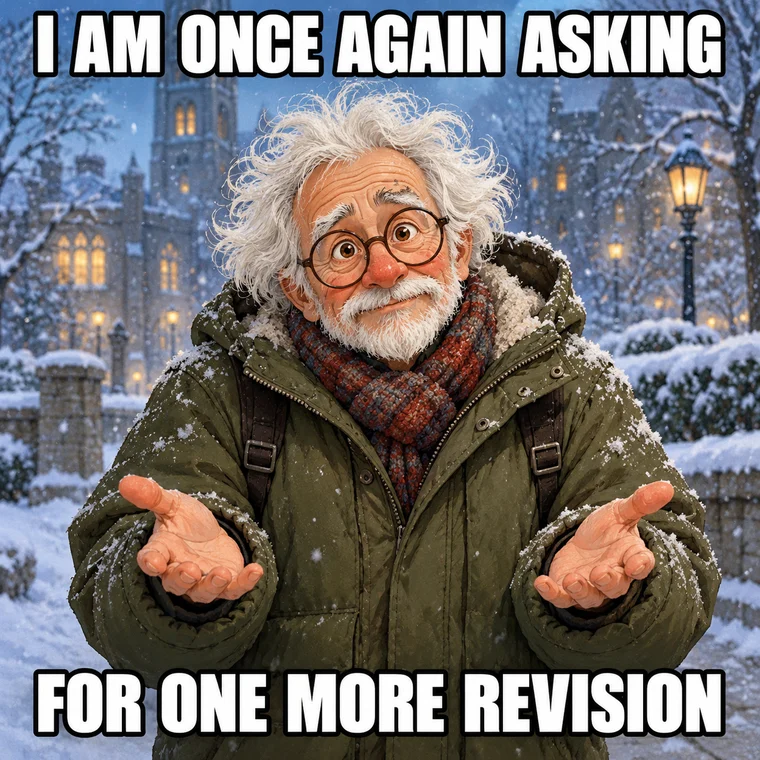
Bernie Once Again Asking
One more revision. Once again.
Use templateBig reactions. Better punchlines. Choose a template, make the prompt your own and create an image meme or a looping GIF.
Edit the suggested captions or describe a completely new joke. Put exact words in quotation marks.
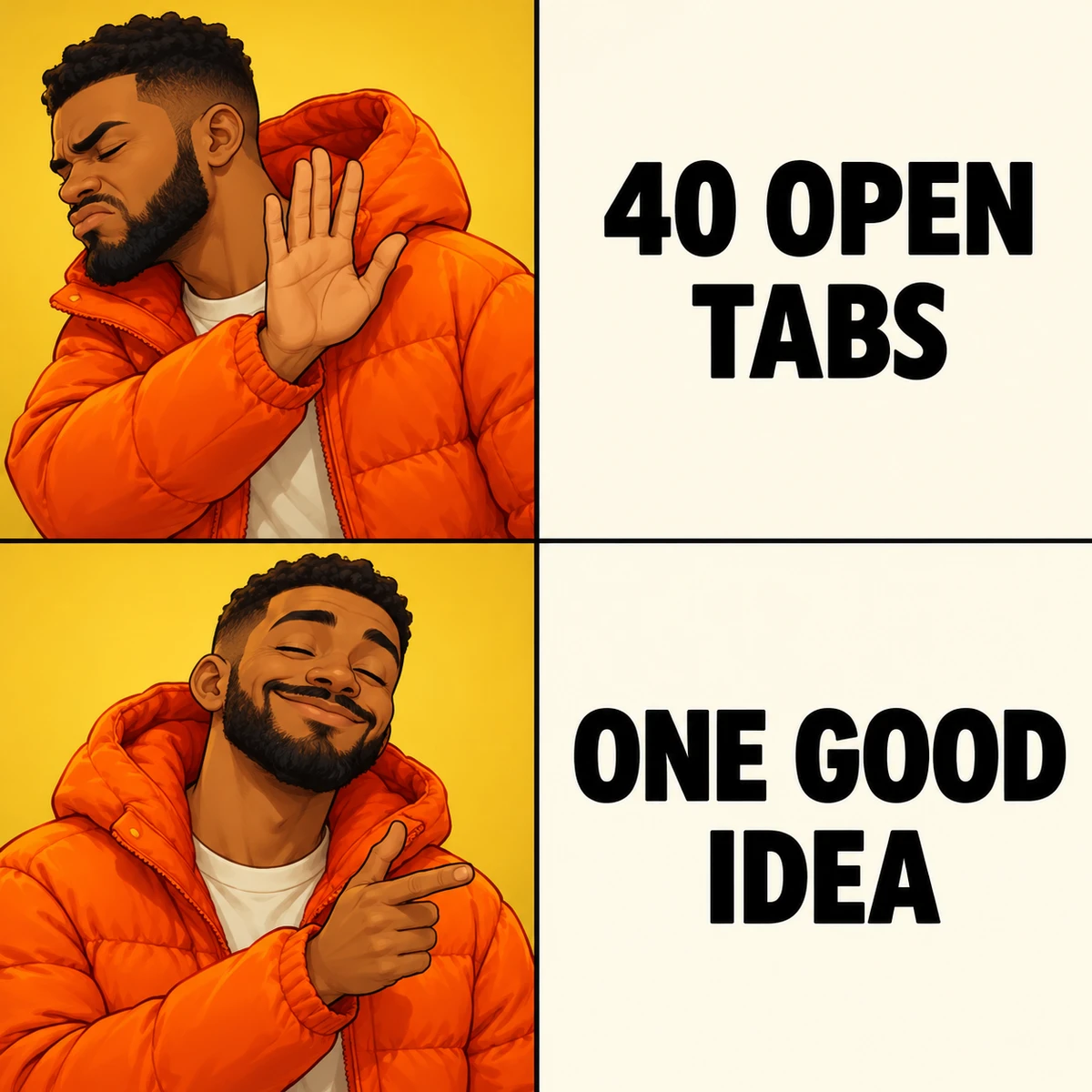
Create an original two-row Drake reaction meme with the reference layout: in the upper-left panel, a man in an orange puffer jacket turns away and raises a rejecting hand; in the lower-left panel, the same man smiles approvingly and points. Right-hand panels are clean white with bold black text. Top text exactly: "FORTY OPEN TABS". Bottom text exactly: "ONE GOOD IDEA". Keep all four panels aligned.
Static image · Animated GIF
GIFs are silent 5-second loops at 12 fps, with a maximum long edge of 640 px. The selected resolution applies to the source video; the GIF is resized. Exact lettering may vary.
Only upload images you have permission to use. Uploads and generated memes stay in your private account history unless you choose to share them.
The generator shows the required credits before you submit. The amount depends on the model, output format and quality. You need enough credits in your account to generate.
Six familiar formats, endless ways to make them yours.
One more revision. Once again.
Use template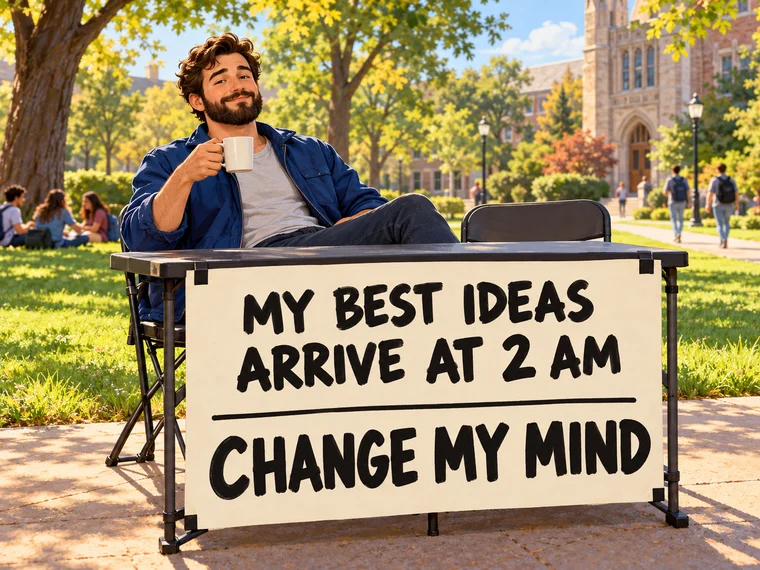
The best ideas arrive at 2 am.
Use template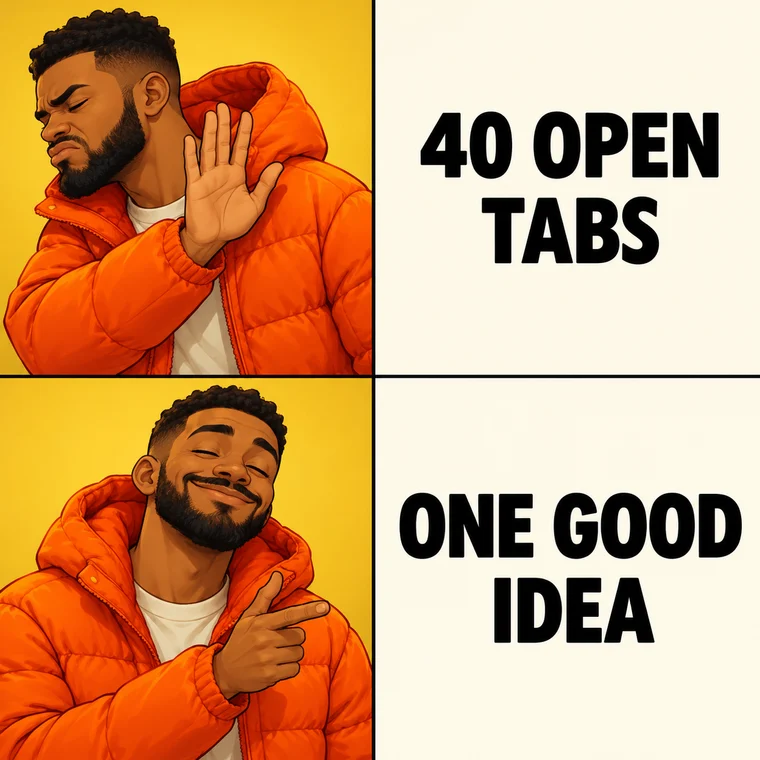
Forty tabs. One good idea.
Use template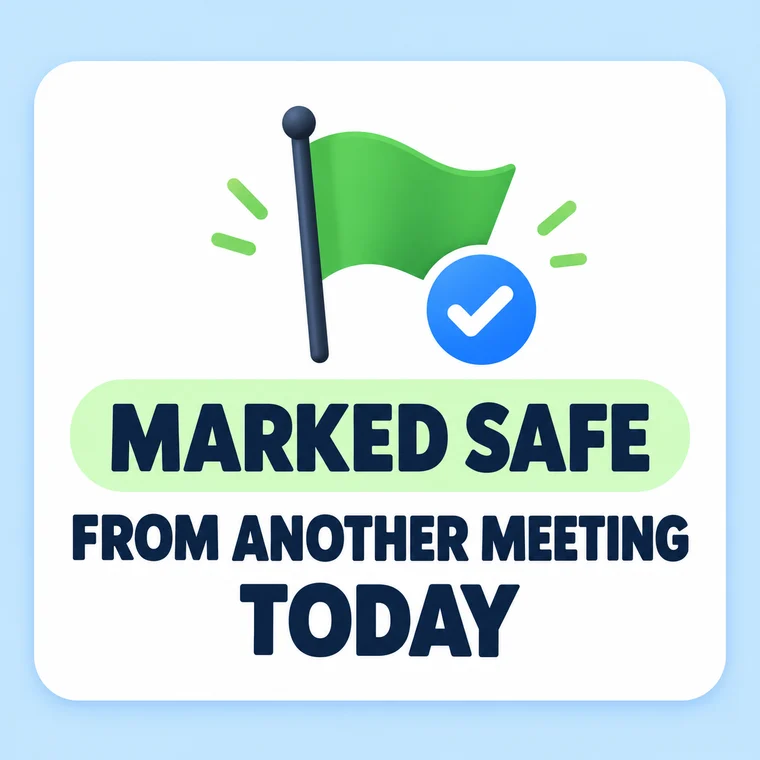
Survived another unnecessary meeting.
Use template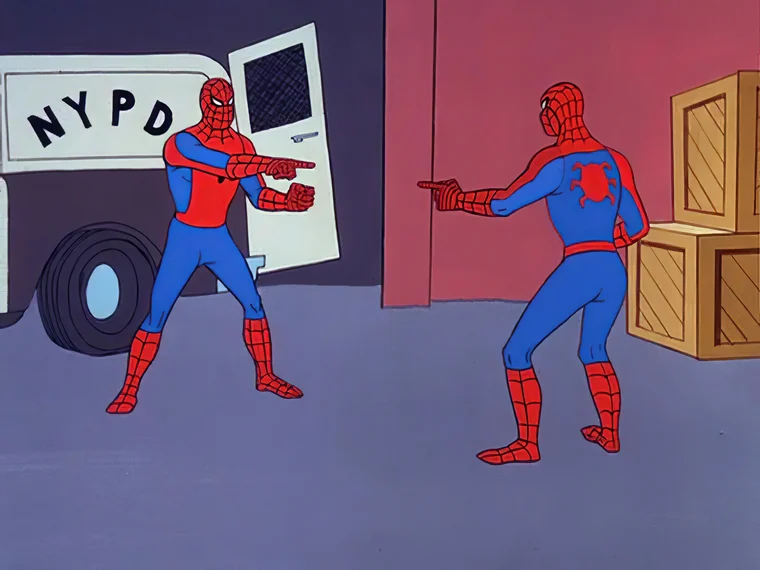
Me, meeting also me.
Classic template source: Imgflip
Use template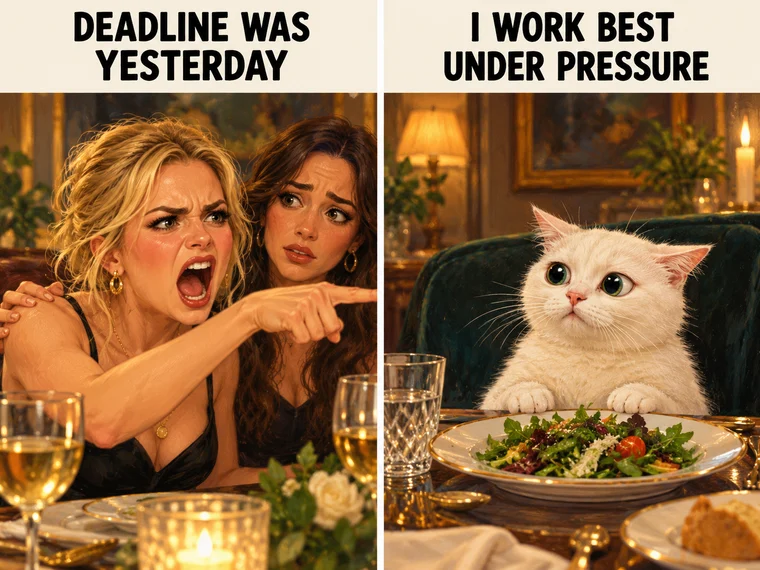
The deadline was yesterday.
Use templateChoose a template to open its own generator page. The reference image and a suggested prompt are filled in for you. Change the captions, choose an output format and generate.
Yes. Choose Animated GIF to create a five-second, silent loop from your prompt and reference image. GIF generation uses a video model and costs more credits than a static image.
Yes. Upload an image or select a previous upload. You can use it alongside a template, or start from scratch with your own photo and prompt.
The generator shows the required credits before you submit. The amount depends on the model, output format and quality. You need enough credits in your account to generate.
AI can misspell words or change small details, especially in motion. Use short captions, put the exact wording in quotation marks and review the result before sharing.
Your uploads and results are private to your account by default. They are processed by our generation and safety providers to make the requested result. Only share images you have permission to use.