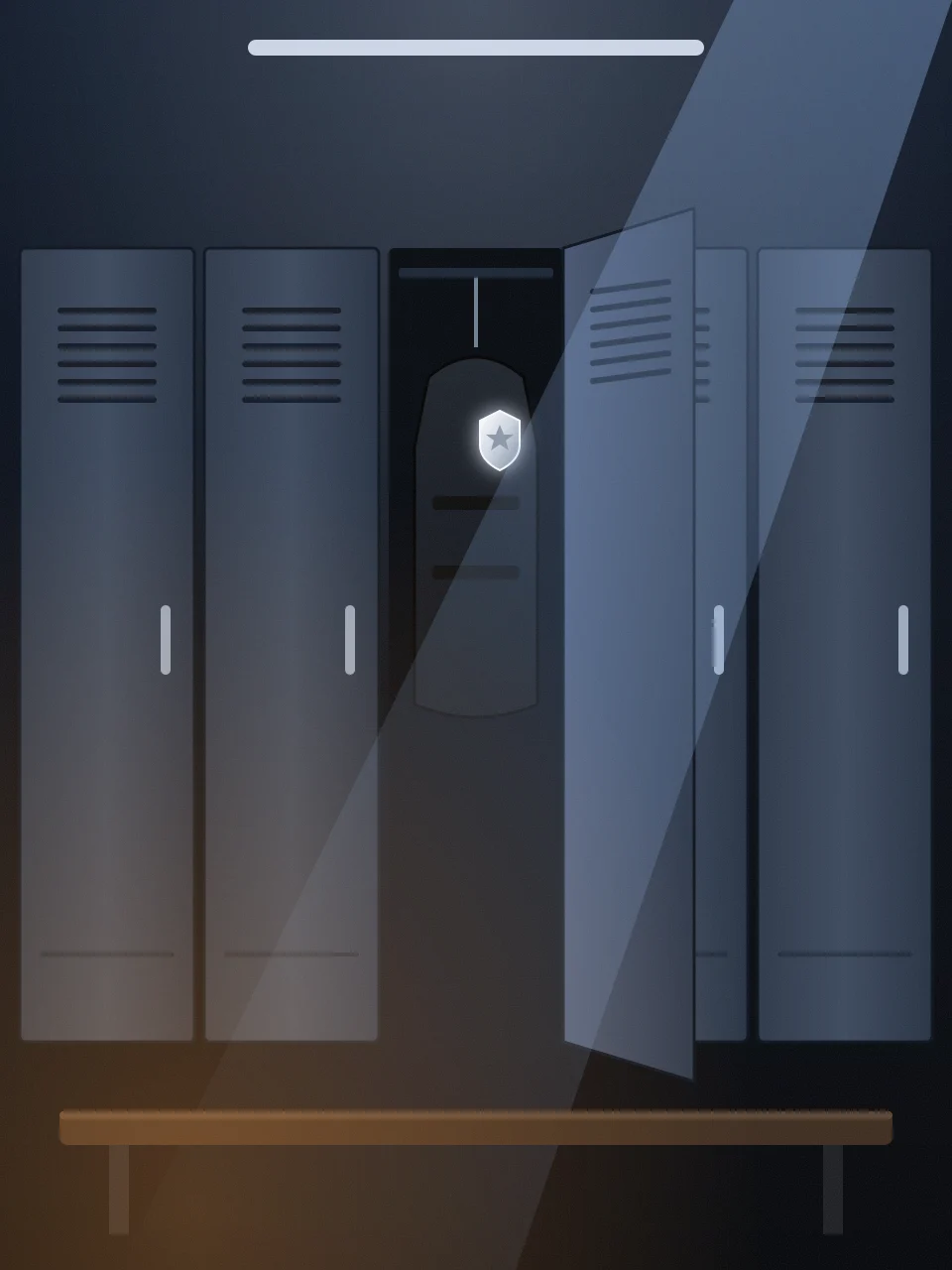
Gear up for the shift. One photo, one locker, one stare.
Upload one photo and the End of Watch AI generator puts you in a gritty police locker room at dawn: you pull on the vest, pin the badge, clip the radio, buckle the duty belt, slam the locker and give the camera that calm, ready-for-anything nod. Your face stays yours; the uniform, the room and the film-style camera come from the template.
8 seconds · vertical 9:16 · sound
720p or 1080p
Kling 4.0, Seedance 2.5 or Wan 3.0
Saved privately to your creations
Create your End of Watch AI video
One adult facing the camera. A clear head-to-waist photo works best.
Kling 4.0 turns your photo into the End of Watch AI scene by default. Seedance 2.5 and Wan 3.0 are also available.
Upload yourself or an adult who agreed to appear. One person per photo; minors and public figures are not supported.
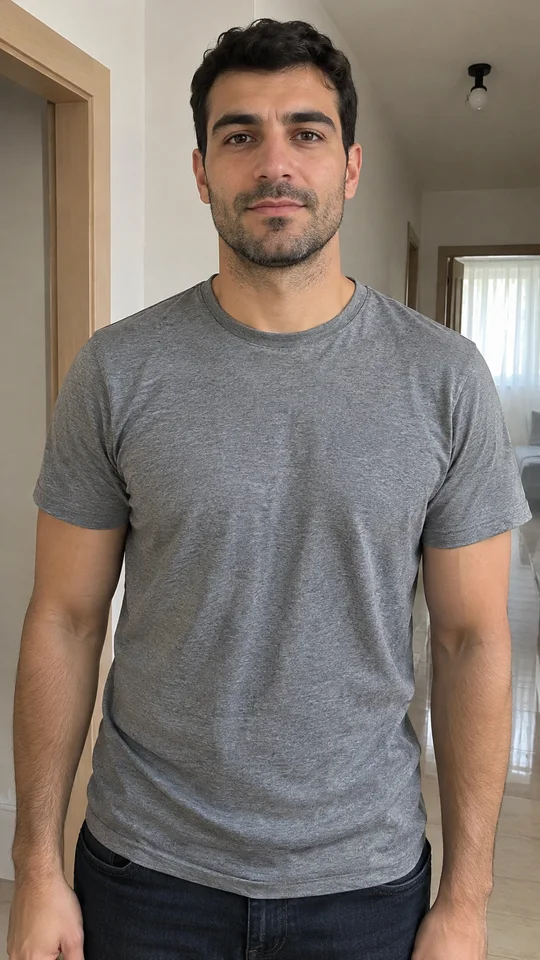
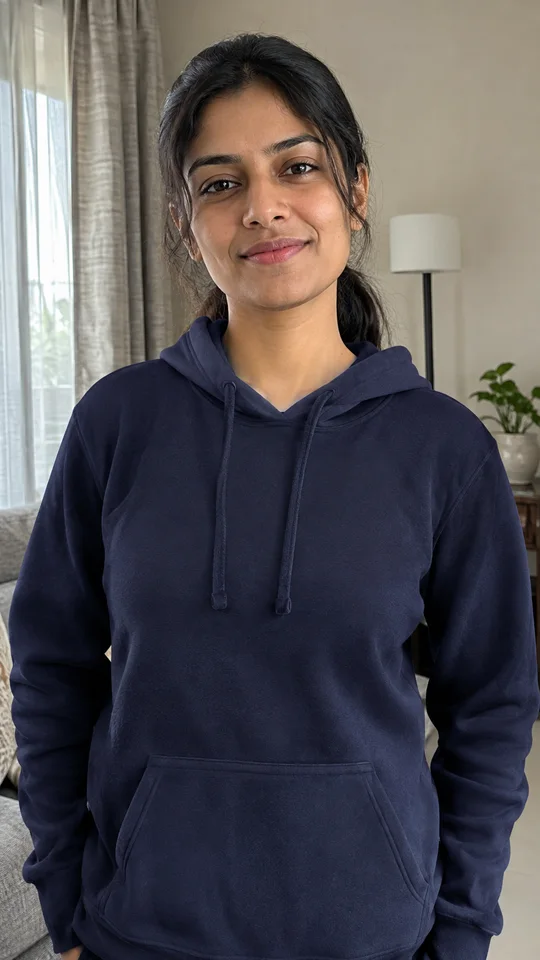
Each example was made with this generator and the default Kling 4.0, 720p settings. The people shown are AI-generated, not real customers.
Night shiftMorning roll call
What happens in an End of Watch AI video
The vest You stand at an open steel locker and pull a black vest over your head, then rip the side straps tight.
Badge and radio A plain silver badge goes on the vest and a small radio clips to your shoulder.
Duty belt You buckle the duty belt and press the holstered sidearm down into place. It never leaves the holster.
The slam and the nod The locker door slams, you turn to the camera, give one calm nod and walk out to start the shift.
What is the End of Watch AI trend?
A locker-room moment people keep remaking
The trend takes its name from End of Watch, a 2012 police drama shot like a handheld documentary. Creators recreate its pre-shift energy: suiting up in a locker room, one piece of gear at a time, then a look that says the shift has started.
Why it works as a short video
The gear-up has a clear rhythm: straps, badge, belt, slam. Eight seconds is enough to build tension and land the final stare, which makes an End of Watch AI clip easy to watch twice.
Why make it with AI
Filming it for real needs a locker room, a costume and a camera operator. An End of Watch AI video starts from one good photo and builds the room, the uniform and the camera move for you.
What is inside the End of Watch AI scene
A generic patrol uniform
A plain dark-navy uniform with no agency name, city, flag or real department patch, so the End of Watch AI look stays fictional.
Vest, badge and radio
A black protective vest, a silver badge without text and a shoulder radio: the details that sell the End of Watch AI gear-up.
Duty belt, safely holstered
The belt and holster are part of the look, but the sidearm stays holstered. Nothing is drawn, raised or pointed.
Documentary camera and sound
A handheld push-in, film grain, cold dawn light, a locker clang, strap rips and a low synth pulse. No speech, lyrics or gunshots.
Make an End of Watch AI video in 3 steps
Upload one photo
Choose a clear photo of yourself or an adult who agreed to appear, or reuse one from your upload history.
Pick the model and quality
Kling 4.0 is selected by default. Choose 720p or 1080p; the button shows the exact credits before your End of Watch AI video starts.
Generate and share
Follow the progress, then download your End of Watch AI MP4 for TikTok, Reels or Shorts, or keep editing it in Video studio.
End of Watch AI ideas to try
First day energy
Post it before a new job, a big exam or a match: you are suiting up for the shift.
Friend roast
Make an End of Watch AI clip of a friend who agreed to star, and drop it in the group chat.
Gym suit-up
Pair the End of Watch AI locker slam with your pre-workout caption for a deadpan gym meme.
Monday morning
The calm End of Watch AI nod before the week starts says more than any caption.
Photos that make the best End of Watch AI video
Face the camera
A sharp, front-facing, well-lit face keeps your likeness steady through the End of Watch AI gear-up.
Head to waist
Framing from the head to the waist gives the template room for the vest and belt.
One person only
Crop out other people so the locker room has a single star.
Natural expression
A neutral or serious face works well; the template adds the determined nod.
Photos to avoid
Group photos, or faces partly hidden by hands, masks or sunglasses.
Very dark, blurry or tiny low-resolution pictures.
Photos of children or public figures.
Screenshots from films, TV or other people’s videos.
Want the trend sound?
Your End of Watch AI video comes with sound effects and a low synth pulse made by the AI model. To post with a trending sound instead, lower the original audio in the TikTok editor and add the sound from its library.
Credits for each End of Watch AI video
Use subscription credits or a one-time pack. Prices below are for the full 8-second video; uploading alone never uses credits.
AI motion can vary: the order of the gear, hands and small uniform details may differ between generations.
Confirmed generation failures return the credits automatically.
The uniform is generic and fictional. The video does not show a real police department and is not an official uniform.
LookRoll is not affiliated with the film End of Watch, its studio, cast or crew. No film footage, audio or actor likeness is used.
Your photo stays private
Before sign-in your file stays in this browser. Uploads are safety-checked, and your End of Watch AI video stays private in your creations until you share it.
End of Watch AI video FAQ
What is the End of Watch AI trend?
Short videos that recreate the pre-shift gear-up mood of the 2012 police drama End of Watch: a locker room, a vest, a badge, a locker slam and a final look. LookRoll makes an original version from one photo.
How does the End of Watch AI generator work?
Your photo becomes the reference for an image-to-video model. A fixed prompt describes the locker room, the generic uniform, the gear-up moves and the camera, so you do not need to write anything.
Which photo works best?
One adult facing the camera, head to waist, with good light. Avoid group shots, sunglasses and screenshots from films.
Will my outfit and appearance change?
Your face, hairstyle, skin tone and build stay the same. Your outfit becomes the plain patrol uniform and vest, because that is the scene.
Do I need to write a prompt or upload a movie clip?
No. Upload one photo and pick the quality. No clip from the film is needed or used.
How long is the video?
Every End of Watch AI video is 8 seconds, vertical 9:16, with sound. Generation usually takes a few minutes.
How many credits does it cost?
It depends on the model and quality and is shown on the button before you start. Uploading alone never uses credits.
Is it a real police uniform?
No. The uniform has no agency name, city, flag or real patch, and the badge has no text. It is a costume look for a short video.
Can I share my End of Watch AI video?
Yes. Download the MP4 and post it on TikTok, Instagram Reels or YouTube Shorts. Do not use it to impersonate police or mislead people.
Can I use someone else’s photo?
Only an adult who agreed to appear. Photos of minors and public figures are not allowed.
Your locker is open. The shift starts now.
Pick one photo and let End of Watch AI film your gear-up.