Real portrait first
An anime star eye edit starts with a clear photograph. The goal is to preserve resemblance, lighting and the character of the original person.
Photo edit template
Keep the person in your photo recognizably real, then add one illustrated star-shaped anime eye patch and three matching mini anime-twin stickers. Choose a style, tune the finish and make a fresh photo edit—not a full anime redraw.
Each selected style makes one independent image for every photo. Select one to six distinct styles.
Only upload photos of yourself or people who gave you permission to make this edit. Do not upload minors.
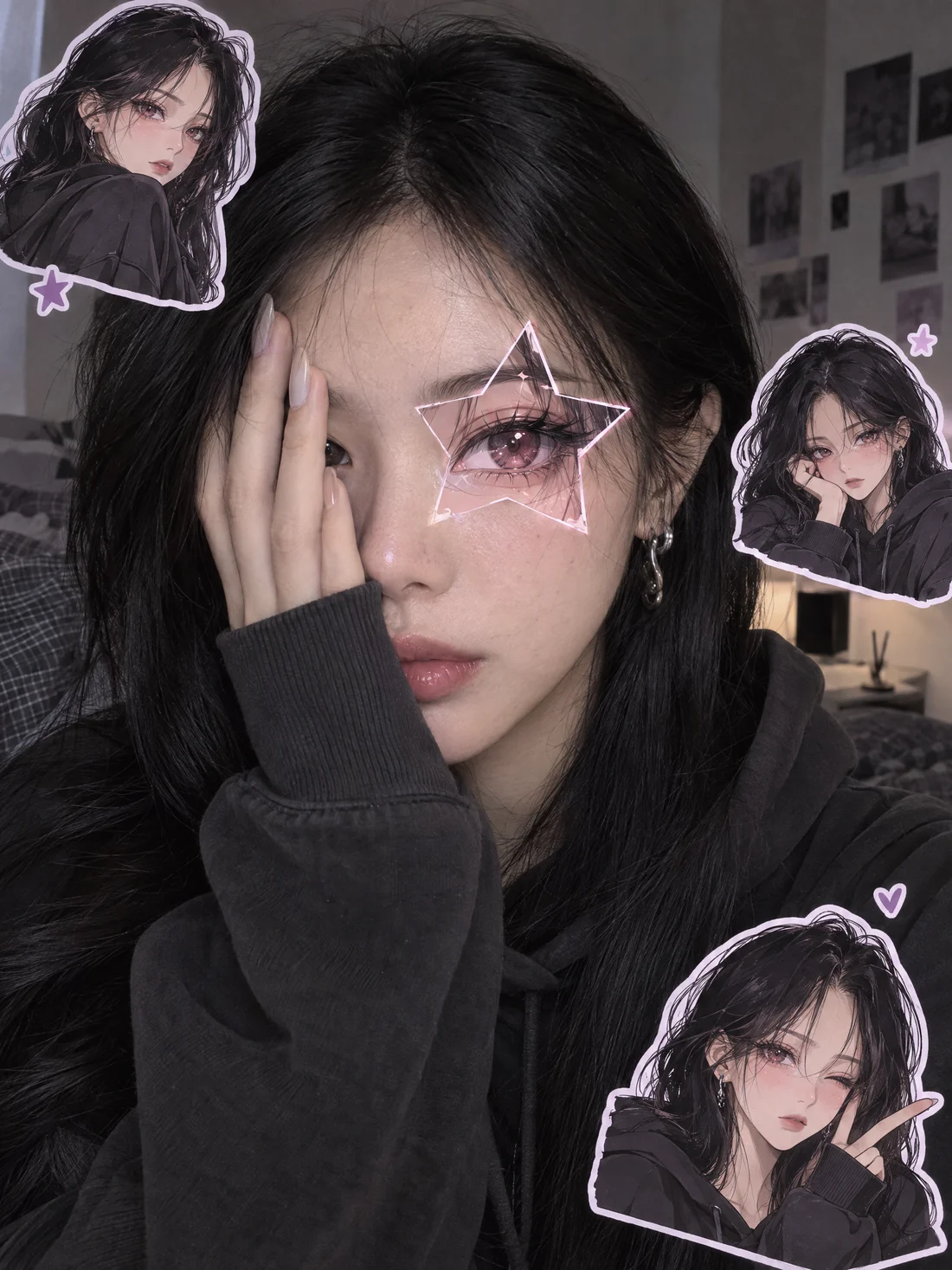
Generate anime star eye editsSeven fictional AI portraits show how one photographic look can meet six illustrated patch-and-sticker directions. These are examples, not real people or celebrity edits.
A crisp violet star patch with tiny matched character stickers.
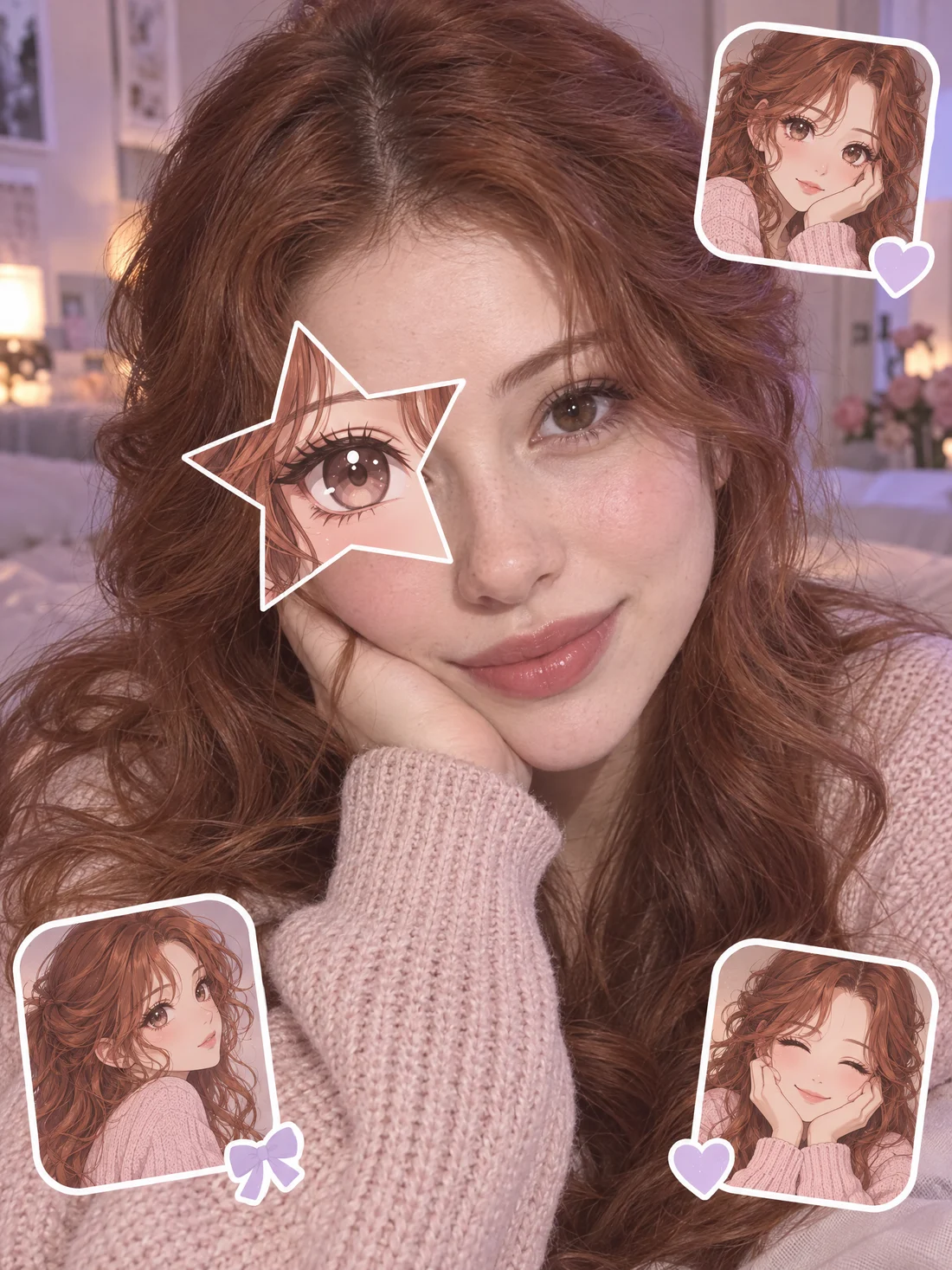
Soft rose and lavender accents with a gentle sticker finish.
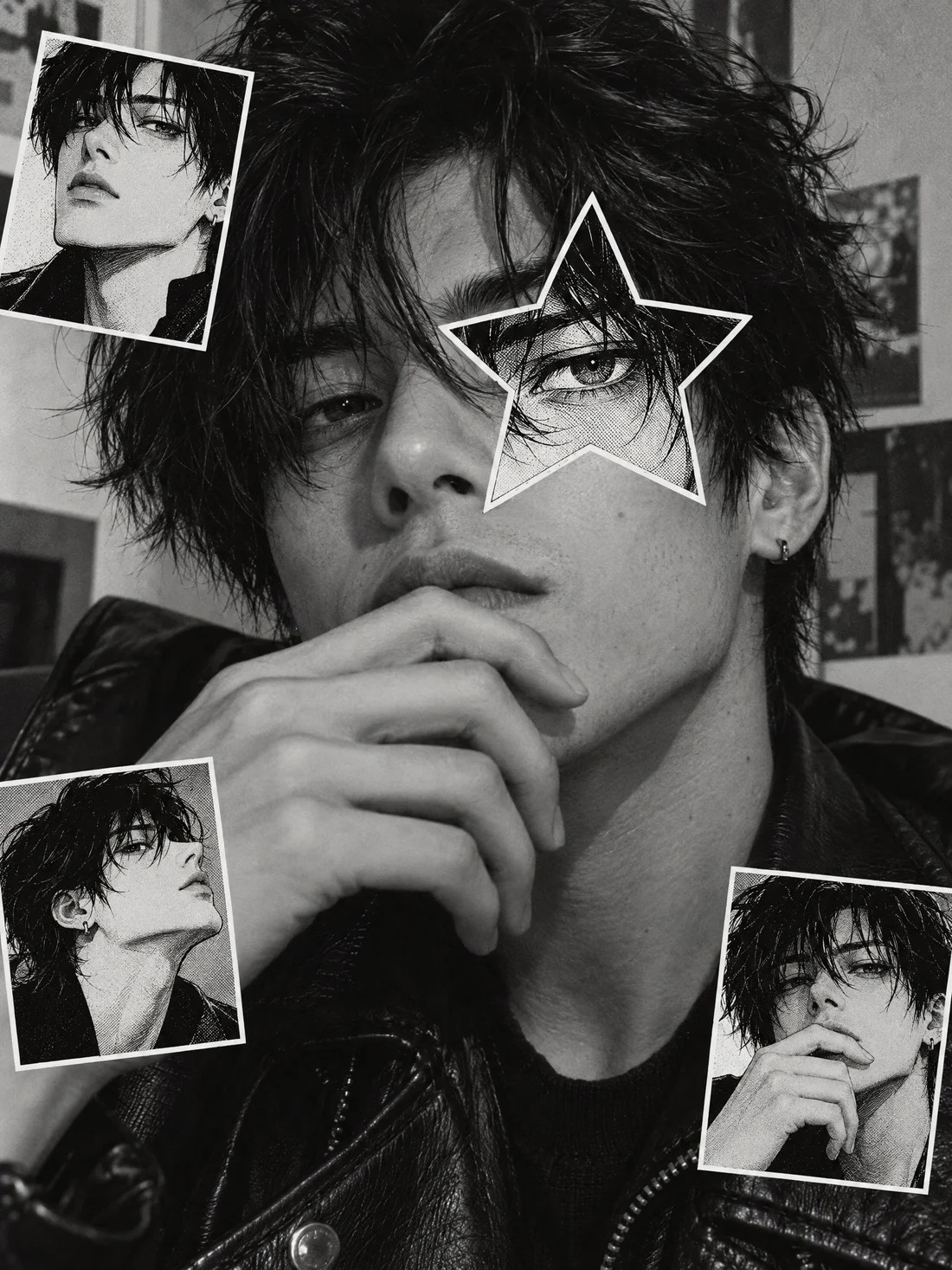
Graphic linework around one eye, while the portrait stays photographic.
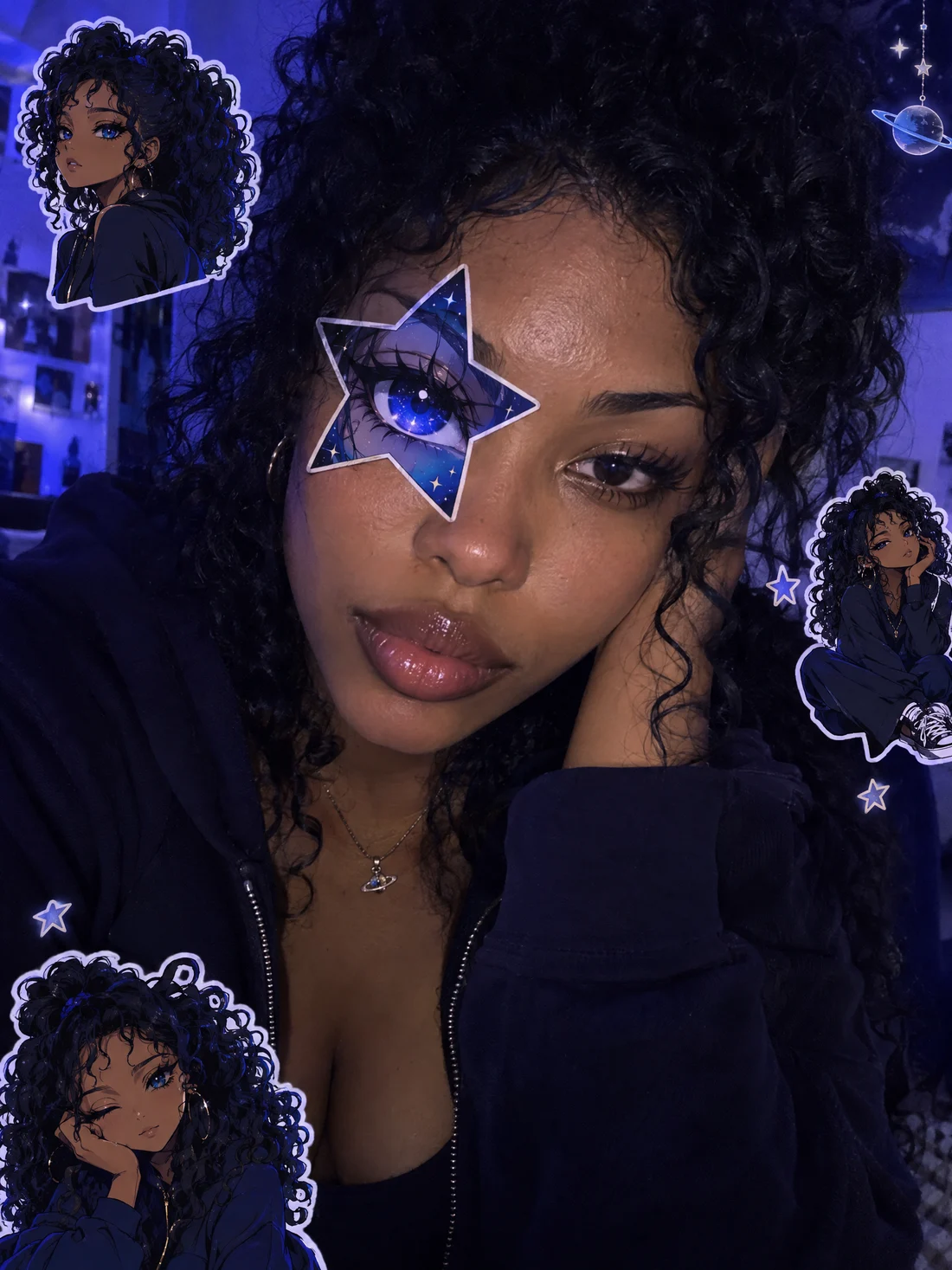
Deep blue star color and small orbit-inspired sticker details.
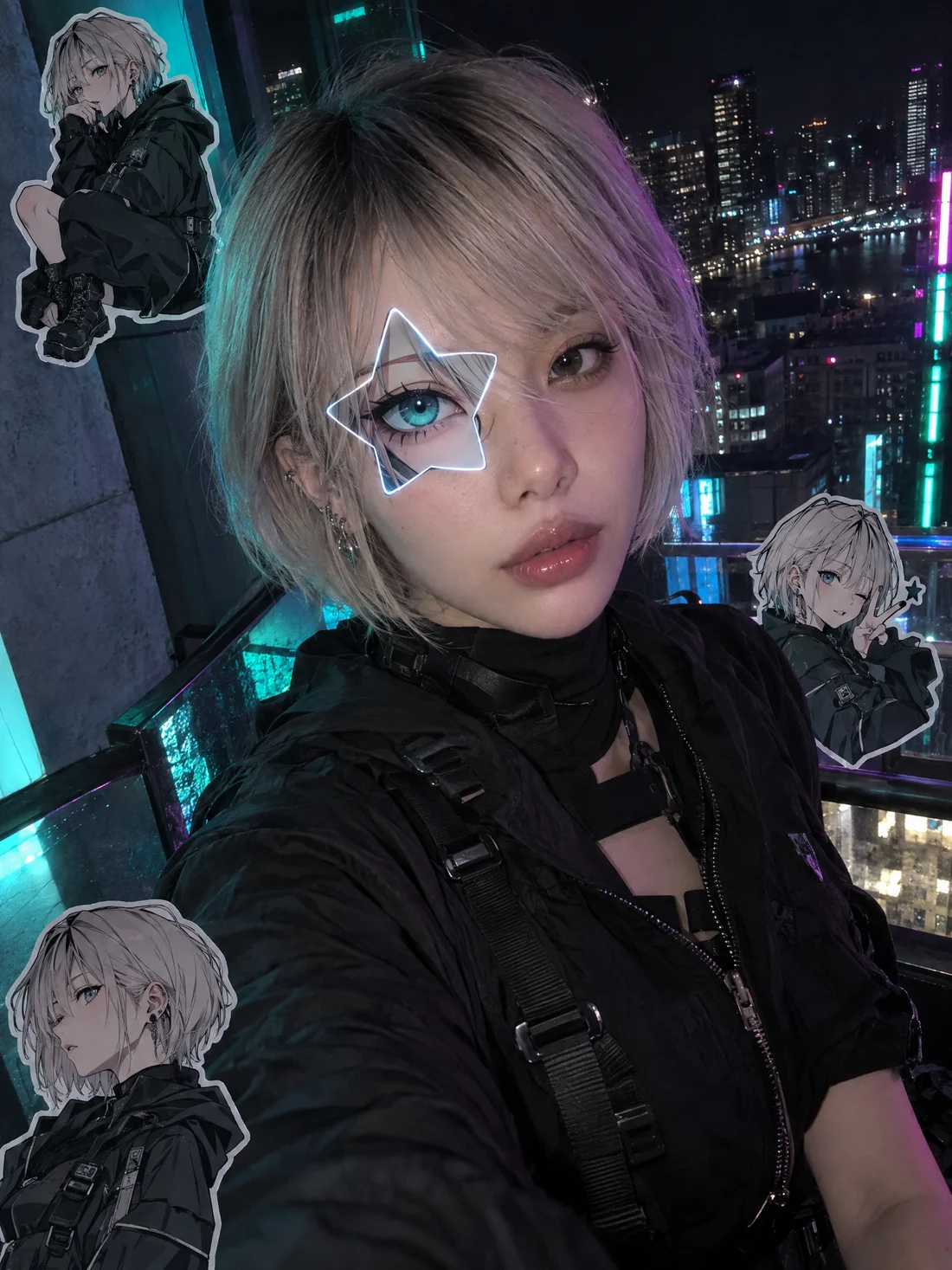
Electric color contrast for a bright after-dark portrait edit.
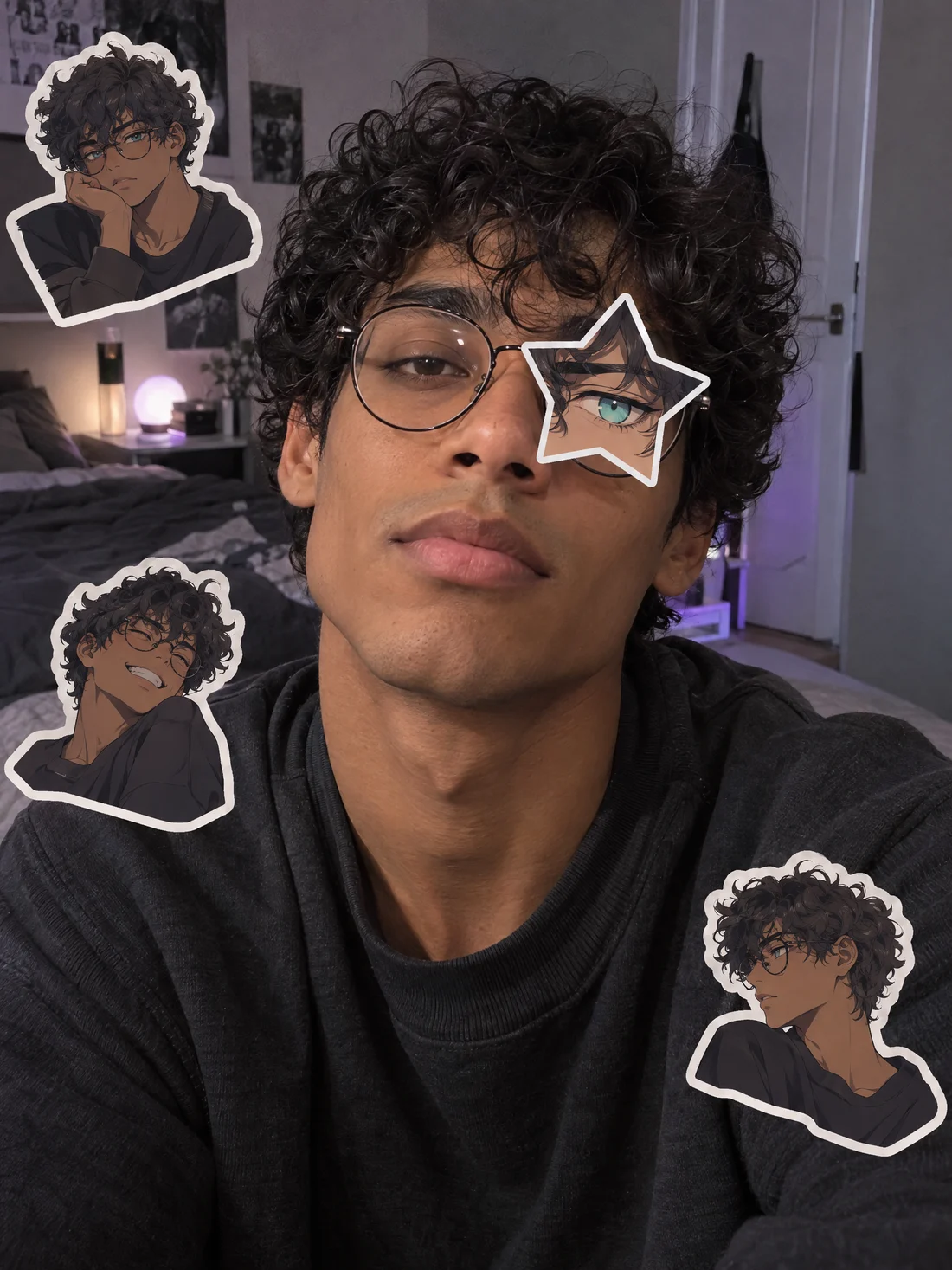
A second fictional portrait, styled with the same classic treatment.
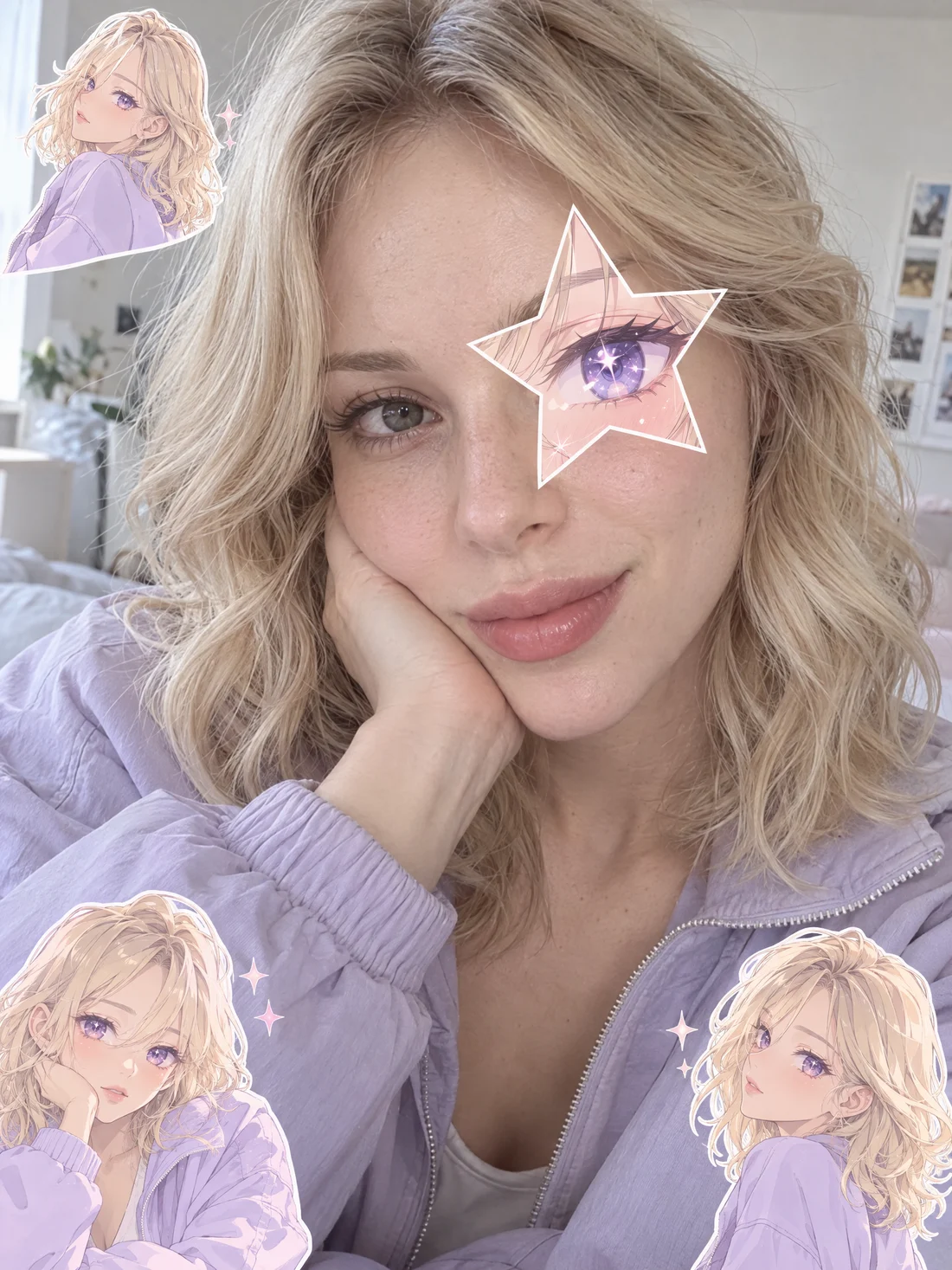
A second fictional portrait with a soft matching sticker set.
The anime star eye trend is a portrait-edit idea built on contrast: the face, hairstyle, pose and outfit remain photographic while one eye gets a clearly illustrated star-shaped patch. Three small matching anime-twin stickers complete the composition without changing the whole person into a cartoon.
An anime star eye edit starts with a clear photograph. The goal is to preserve resemblance, lighting and the character of the original person.
The star-shaped anime eye patch belongs over one eye. Keeping the second eye and the rest of the face photographic makes the contrast intentional.
Three small stickers echo the person in the photo and share the selected color mood. They support the scene instead of replacing the portrait.
The anime eye trend can lean classic, pastel, manga, cosmic, golden or neon. Each style changes the graphic language while keeping the same edit recipe.
Use one as a starting point, then select the linked style above. Each prompt asks for a real-photo edit rather than a full anime illustration.
Preserve the real photographed portrait, facial features, hairstyle, pose and outfit. Add one clean violet star-shaped anime eye patch over one eye and exactly three small matching anime-twin stickers. Keep the rest photographic; do not redraw the whole person as anime.
Keep the original portrait realistic and recognizable. Place one soft pink-and-lilac star-shaped anime eye patch over one eye, plus exactly three tiny matching pastel anime-twin stickers. Gentle editorial color, real-photo texture, not a full anime redraw.
Maintain the real person, face, hair, clothing and camera pose. Add one black-ink manga-style star eye patch over one eye and exactly three small matching anime-twin stickers. Use graphic ink accents only around the overlay; keep the portrait photographic.
Preserve a realistic photographed portrait. Add one luminous midnight-blue star-shaped anime eye patch over one eye and exactly three small matching cosmic anime-twin stickers. Use subtle space-color accents around the overlays, never a full anime conversion.
Keep the portrait recognizably real with the original features, expression and wardrobe. Add one warm golden star-shaped anime eye patch over one eye and exactly three matching mini anime-twin stickers. Premium editorial lighting, realistic photo finish, no full redraw.
Keep the real portrait intact and photographic. Add one electric neon star-shaped anime eye patch over one eye with exactly three matching anime-twin stickers. Add controlled neon edge color only near the overlays; do not turn the person into an anime character.
Upload clear photos or append approved files from your upload history. Photos remain available on this device while you sign in or buy credits.
Pick one to six distinct styles. Every original photo receives one independent result for each style you select.
The generator shows the number of outputs and the server catalog’s single rounded credit unit before you submit.
Results arrive on this page as each image finishes. Open a finished image, download it or continue with another batch.
The intended edit preserves the real face, hairstyle, pose and outfit, then adds the illustrated star patch and matching mini stickers.
Each original-and-style pair is a separate image task, so a batch of two photos and six styles creates twelve distinct images.
Classic, pastel, manga, cosmic, golden and neon give the overlay a strong visual choice without changing the original person.
Credits come from the selected server catalog unit. The batch total is the number of independent outputs multiplied by that rounded unit.
Raw selected photos and draft settings stay in this browser through refresh, sign-in and checkout, while account-owned uploads remain private.
Finished edits appear on this page and in My Works, ready to download or open in Image studio.
Every original photo and selected style is one separately priced image output. The generator uses the current server catalog unit for the model and resolution you choose.
Each output uses the catalog’s rounded unit credit cost; the batch adds those individual output units.
The displayed estimate applies before you submit. A failed individual image is handled by the generation service and can be retried separately.
Plans & credits| Model | Quality | Per image |
|---|---|---|
| Nano Banana 2 | 1K | 30 credits |
| Nano Banana 2 | 2K | 35 credits |
| Nano Banana 2 | 4K | 45 credits |
| Nano Banana 2 | 0.5K | 38 credits |
| Nano Banana Pro | 1K | 50 credits |
| Nano Banana Pro | 2K | 50 credits |
| Nano Banana Pro | 4K | 75 credits |
| GPT Image 2 | 1K | 22 credits |
| GPT Image 2 | 2K | 38 credits |
| GPT Image 2 | 4K | 55 credits |
| GPT Image 2.5 | 1K | 22 credits |
| GPT Image 2.5 | 2K | 75 credits |
| GPT Image 2.5 | 4K | 100 credits |
| Seedream 5 Lite | 2K | 70 credits |
| Seedream 5 Lite | 3K | 70 credits |
| Seedream 5 Lite | 4K | 70 credits |
| Seedream 4 | 1K | 49 credits |
| Seedream 4 | 2K | 49 credits |
| Seedream 4 | 4K | 49 credits |
| FLUX 3 Klein | 1K | 18 credits |
| FLUX 3 Klein | 1.5K | 22 credits |
| FLUX 3 Klein | 2K | 28 credits |
| FLUX 3 Klein | 4K | 72 credits |
| FLUX 3 Klein | 768sq | 16 credits |
Anime Star Eye is designed as a photo edit: one star-shaped anime eye patch plus three original matching anime-twin stickers over a real portrait. It is not a full anime redraw.
Use only portraits you own or have permission to edit. Never use this tool to impersonate, deceive or misrepresent a real person.
AI image edits vary. Facial resemblance, sticker placement, text and fine details can differ between results, so review each image before you share it.
The examples are original fictional AI images made for this page. They do not show existing anime characters or competitor imagery.
Before sign-in, raw selected photos are kept in this browser so a refresh, login or checkout does not erase your draft. When you choose to generate, approved uploads and resulting images belong to your account and remain private by default. You can remove local selections at any time, and should only upload portraits you are authorized to use.
The anime star eye trend is a photo-edit look that keeps a real portrait visible while adding one star-shaped illustrated eye patch and three small matching anime-twin stickers.
No. The intended result is a real-photo edit, not a full anime redraw. The portrait should remain recognizable while the patch and stickers provide the illustrated contrast.
Add up to six photos and choose one to six distinct styles. Each selected style creates one independent image for every original portrait.
Each photo-and-style pair is its own image task. Two original photos multiplied by six selected styles equals twelve separately created outputs.
The page starts with six visual styles: classic, pastel, manga, cosmic, golden and neon. They change the overlay’s visual language while preserving the photo-first recipe.
The current server catalog provides one rounded credit unit for the selected model and resolution. Your batch total is that unit multiplied by the number of photos and selected styles.
Each finished image appears on the current page as it completes and is also saved in your private My Works collection, where it can be opened in Image studio.
Pick your photo, choose a star style and create a photo-first anime star eye edit when you are ready.
Create an anime star eye edit